
Local visibility · Profile checklist · 10 minute read
A practical Google Business Profile optimization checklist
Optimization starts with accurate real-world information. The objective is to help customers understand and choose the business, not to force keywords into every field.
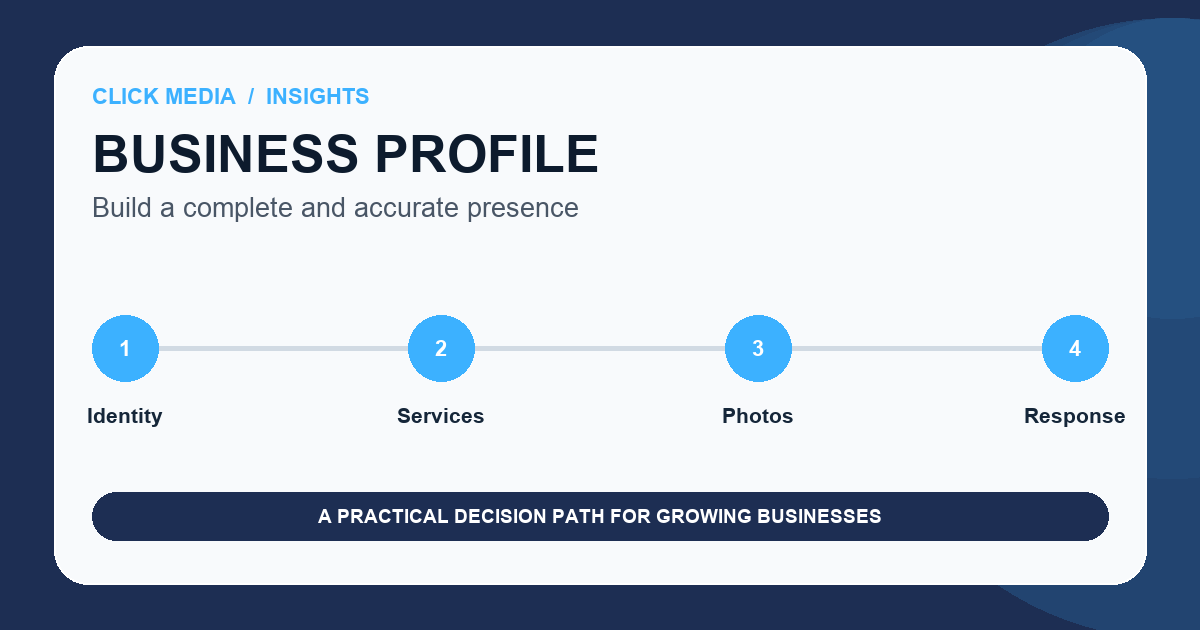
Google says complete and accurate information can help a business appear for relevant local searches. It also explains that local results are mainly shaped by relevance, distance, and prominence. No checklist can remove distance or guarantee a position.
The best profile work improves both understanding and operations. Customers see accurate hours, services, photos, and contact options. The business has a clear owner for updates, reviews, suggested edits, and seasonal changes.
Eligibility and identity
Represent the business exactly as it operates.
Confirm the business is eligible, avoid duplicate profiles, and use the name customers see in the real world. A service-area business should use an accurate underlying location for verification and hide the address when customers are not served there.
Choose the primary category that best describes the core business, then add only the secondary categories needed to represent real services.
- One eligible profile for the business or qualifying location
- Real-world business name without keyword additions
- Accurate address or service area
- Authoritative phone number and website
Information and services
Complete the fields that answer real customer questions.
Maintain regular and special hours, services, attributes, appointment options, and a useful business description. The description should explain what the company does and who it helps without promotions, links, or unsupported superlatives.
Connect the profile to the most relevant customer page. A service-specific landing page can be more useful than sending every visitor to a general homepage.
Trust and media
Show the real business and respond like a responsible operator.
Add current, authentic photos that help customers recognize the team, work, place, products, or service experience. Avoid stock imagery that could represent any company.
Use a neutral review-request process for genuine customers. Respond helpfully, protect private information, and flag a review only when it violates policy, not simply because it is unfavorable.
Maintenance
Treat the profile as an operating channel, not a one-time listing.
Assign ownership for suggested edits, holiday hours, service changes, messages, reviews, photos, and website links. Google may receive updates from other sources, so accuracy needs active monitoring.
Review performance alongside map visibility and qualified leads. Profile activity is useful, but the final measure is whether the right customers reach the business and receive a good response.
A practical next step
Local Visibility Monitor
Best for teams that can maintain the profile and want a consistent view of local search visibility across their real service area.
- More accurate business information
- A neighborhood-level view
- Clearer search priorities
Common questions
Practical answers before you commit.
Can I add keywords to my Google Business Profile name?+
Use the business name as it is consistently represented in the real world. Adding unnecessary service or location terms can violate Google's guidelines and create suspension risk.
Should a service-area business show its residential address?+
If customers are not served at the address, Google instructs service-area businesses to hide it from customers and define accurate service areas.
Does completing every field guarantee better rankings?+
No. Complete information improves understanding and customer usefulness, while relevance, distance, prominence, competition, and the wider website and reputation environment still matter.