
Websites and conversion · Maintenance checklist · 9 minute read
A small-business website maintenance checklist that protects leads
A website can look unchanged while forms fail, hours become outdated, integrations expire, and important pages quietly disappear from search. Maintenance protects the business function behind the design.
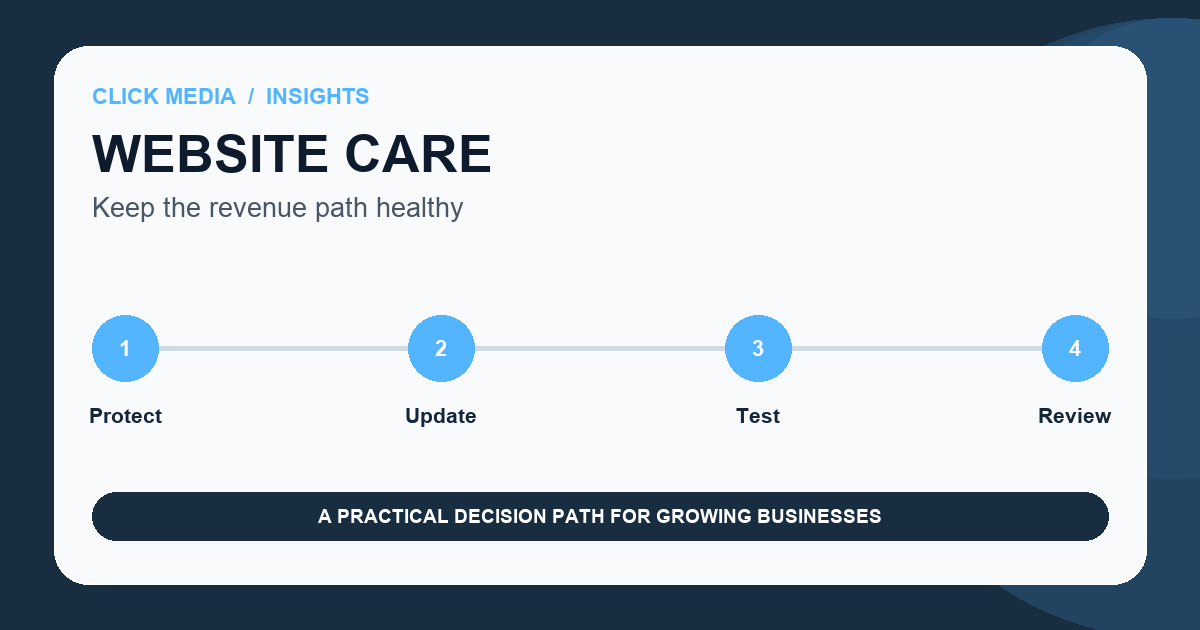
Maintenance is not only installing updates. It includes the full route from discovery to form delivery, booking, checkout, notification, CRM capture, and follow-up.
The right cadence depends on the platform and business risk. A brochure site may need a lighter routine than a site with commerce, membership, booking, integrations, or frequent content.
Every month
Test the actions that create customer opportunities.
Submit forms through a clearly labeled test process only when authorized, verify notifications and CRM capture, check phone and email links, and review booking or checkout handoffs.
Inspect the highest-traffic and highest-value pages on mobile. Confirm hours, offers, staff, locations, policies, and contact details.
- Forms and confirmation states
- Phone, email, booking, and checkout links
- Analytics and conversion events
- Priority-page status and mobile layout
Platform health
Maintain updates, backups, security, and access.
Apply supported software and plugin updates through a tested process. Confirm that backups are recent, restorable, and stored appropriately. Remove unused accounts and review administrator access.
Monitor uptime, certificates, domain renewal, DNS ownership, and critical integrations before expiration creates an outage.
Quarterly quality
Review performance, accessibility, content, and search health together.
Check Core Web Vitals, crawl errors, broken links, image optimization, keyboard navigation, contrast, headings, and alternative text. Review the pages earning impressions but weak clicks or engagement.
Refresh content only when facts, customer questions, or business priorities changed. Changing dates without meaningful updates creates no customer value.
Ownership
Give every maintenance category a named owner and escalation path.
Document who handles content, technical updates, DNS, hosting, analytics, integrations, security, and urgent failures. Keep access in a controlled company-owned system.
A maintenance plan should state response expectations and exclusions so the business knows what routine support covers and when a project is required.
A practical next step
Managed WordPress Growth Site
Best for businesses that want a defined website foundation with ongoing hosting, maintenance, and routine support included.
- A credible five-page foundation
- Less content bottleneck
- WordPress familiarity
Common questions
Practical answers before you commit.
How often should forms be tested?+
Test critical lead and transaction paths monthly and after any website, email, CRM, domain, consent, or integration change. Use labeled test records and remove them from genuine performance reporting.
Are automatic updates enough?+
Automatic updates reduce delay but can create compatibility problems. Maintain backups, monitoring, and a process for validating important pages after changes.
What should a website maintenance plan include?+
Define platform updates, backups, uptime, security, routine content changes, analytics checks, testing, support response, exclusions, ownership, and what happens if service is cancelled.